
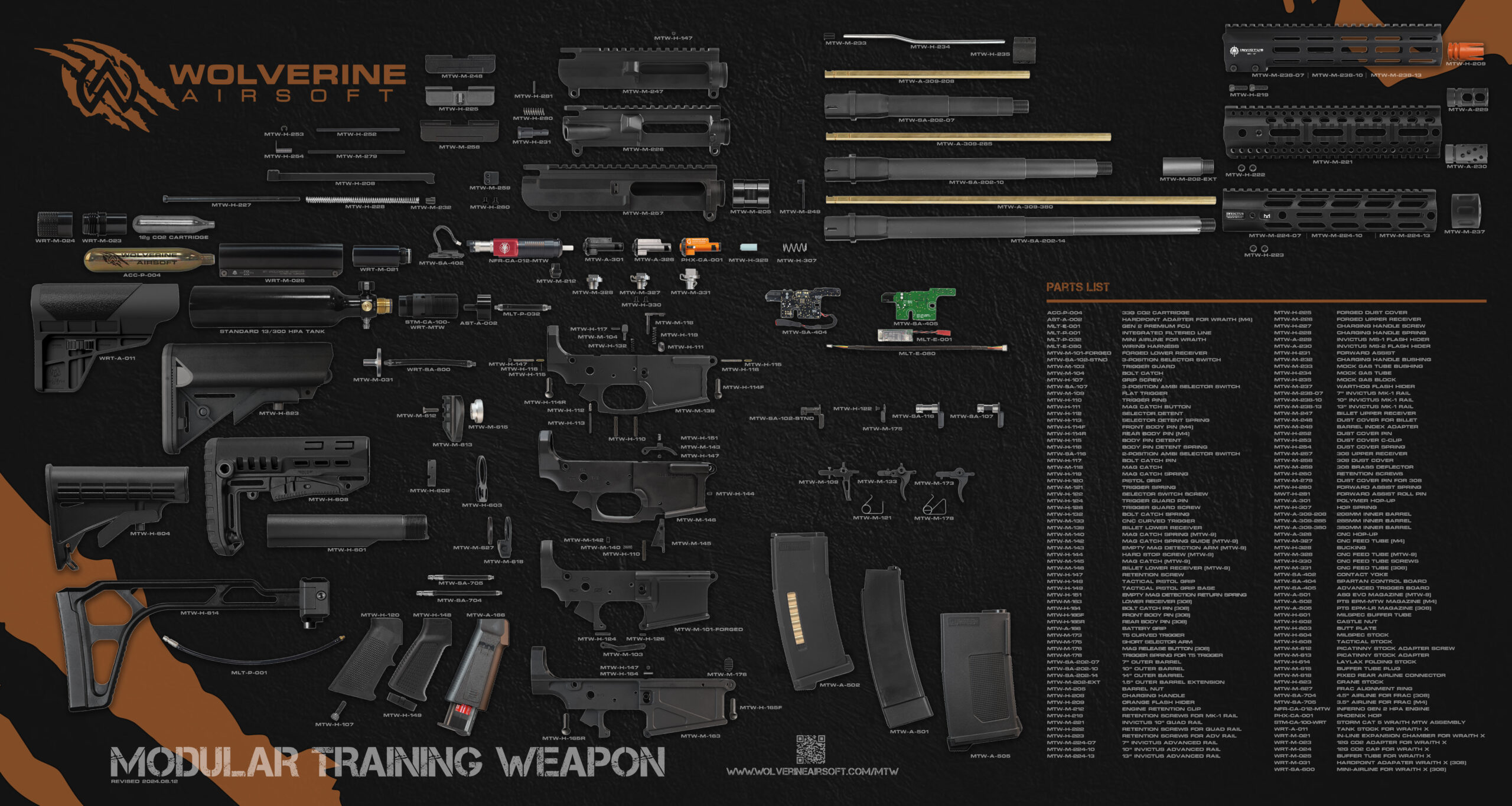
More Images

The Spartan Electronics for MTW board will automatically disable firing after the last BB is fired when using a Wolverine Airsoft MTW Magazine. Firing will resume in one of two ways depending on the following settings:
• Traditional (Default): To reset empty mag detection, the user must press the Bolt Catch after loading a new magazine.
• Simplified: The MTW will automatically reset empty mag detection when the magazine is removed without requiring use of the Bolt Catch. We recommend putting the MTW in simplified mode when using standard AEG magazines that do not have empty mag detection.
To change between Traditional and Simplified mode simply place the selector on semi and hold down the trigger and the bolt catch for 5 seconds.
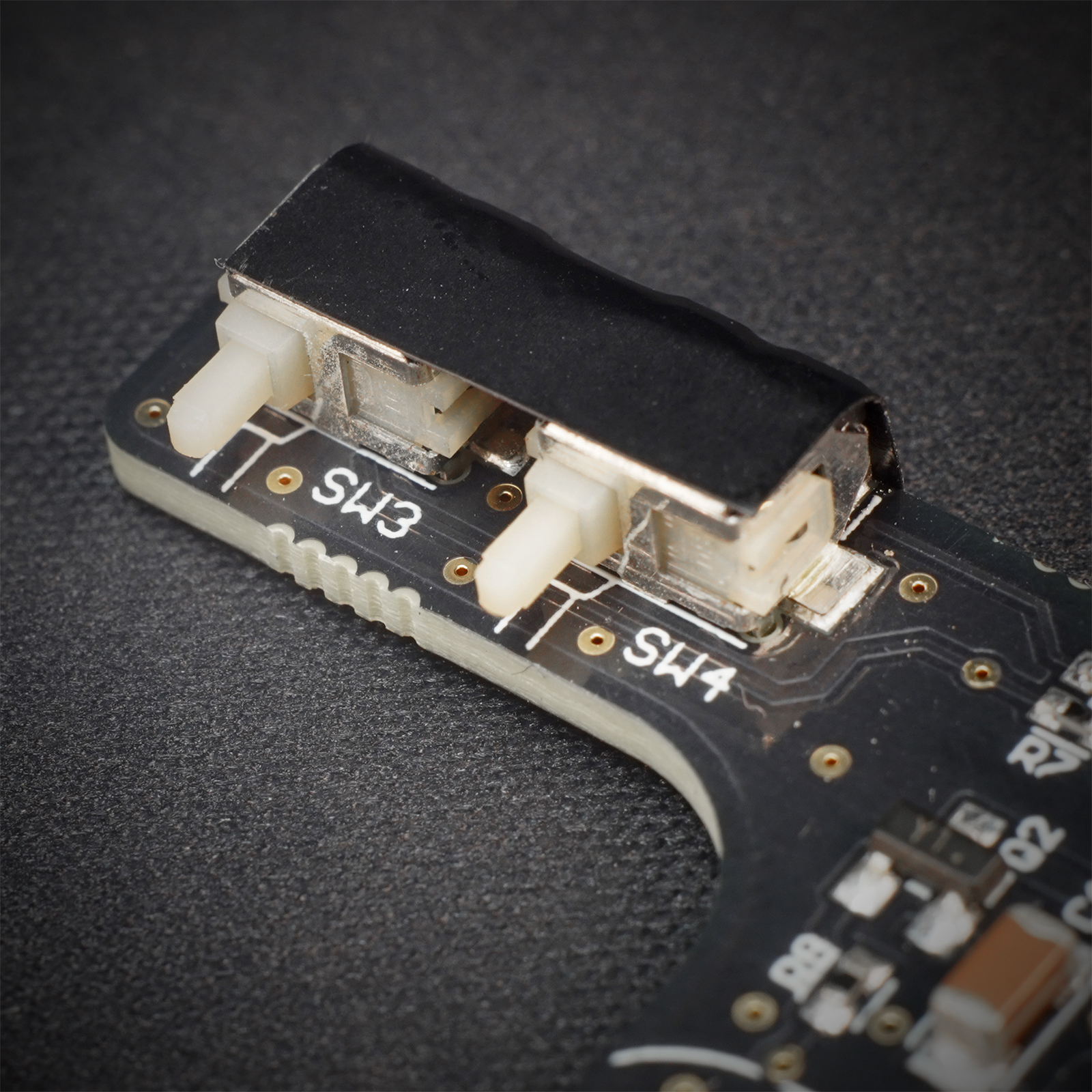
If the optical select-fire sensor on the MTW Spartan Electronics Control Board is giving inconsistent results, it may be necessary to clean the contacts on the board. After removing the electronics from your MTW, remove the electrical tape from the back of the board to reveal the sensor contacts. Clean them thoroughly with 70% or better isopropyl alcohol. After allowing the contacts to dry, re-apply the electrical tape and reinstall the board in your MTW.
For instructions on removing/installing the control board, see this video.
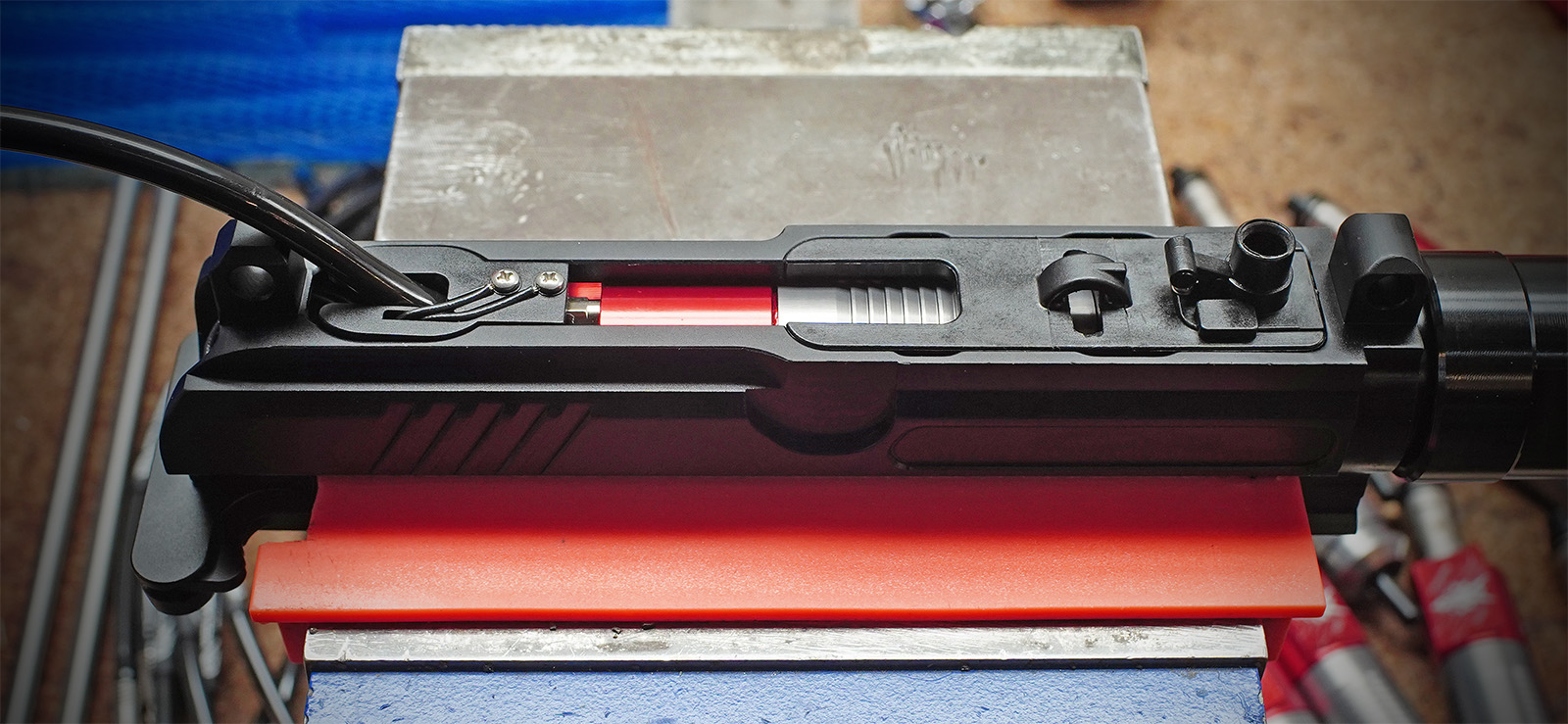
If your INFERNO Gen 2 is leaking, use this diagram to determine which O-ring may be faulty. For example, if your engine is leaking from around the nozzle, you should check the location and condition of O-ring #4.
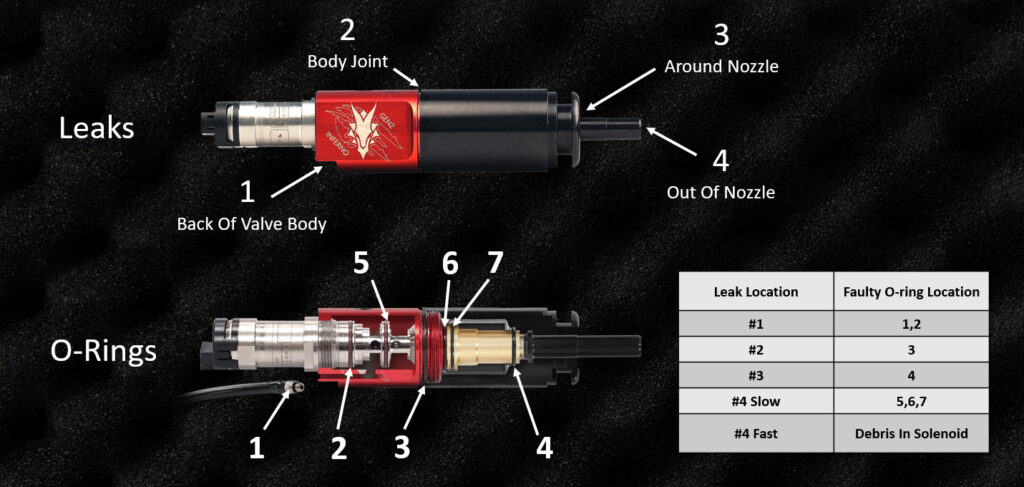
For instructions in replacing an O-ring, please see the INFERNO Gen 2 Owner’s Manual.
If your INFERNO Gen 2 is leaking, use this diagram to determine which O-ring may be faulty. For example, if your engine is leaking from around the nozzle, you should check the location and condition of O-ring #4.
For instructions in replacing an O-ring, please see the INFERNO Gen 2 Owner’s Manual.
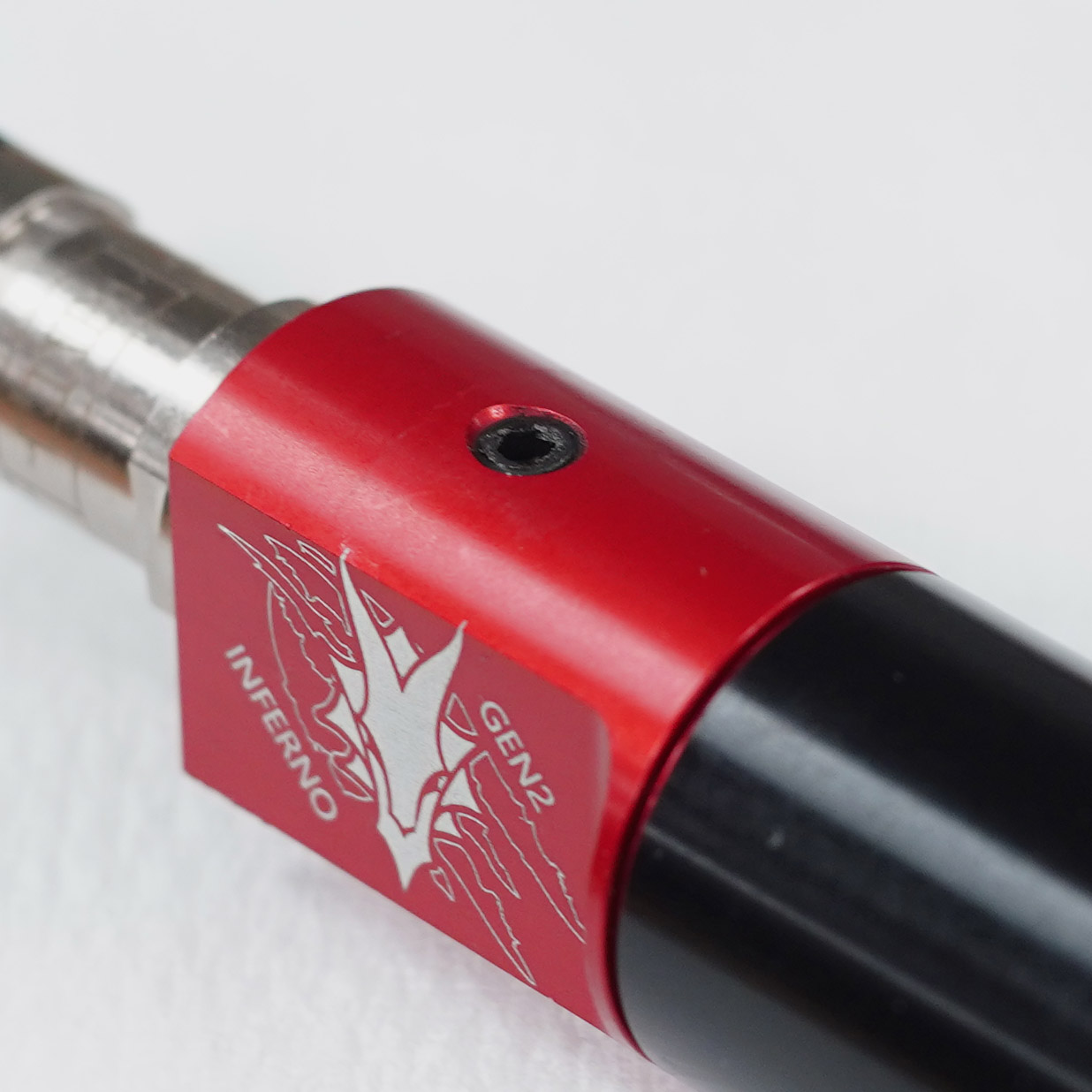
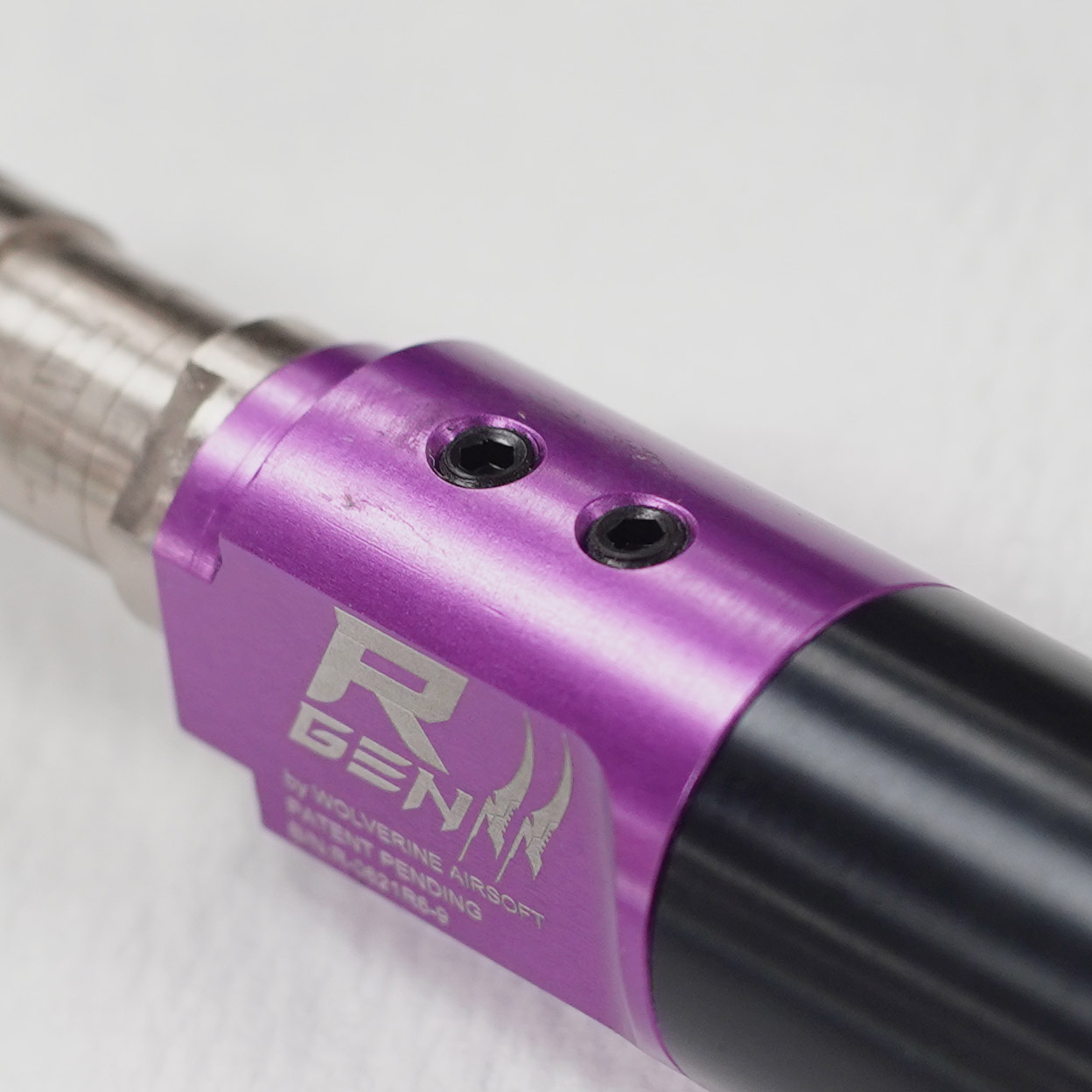
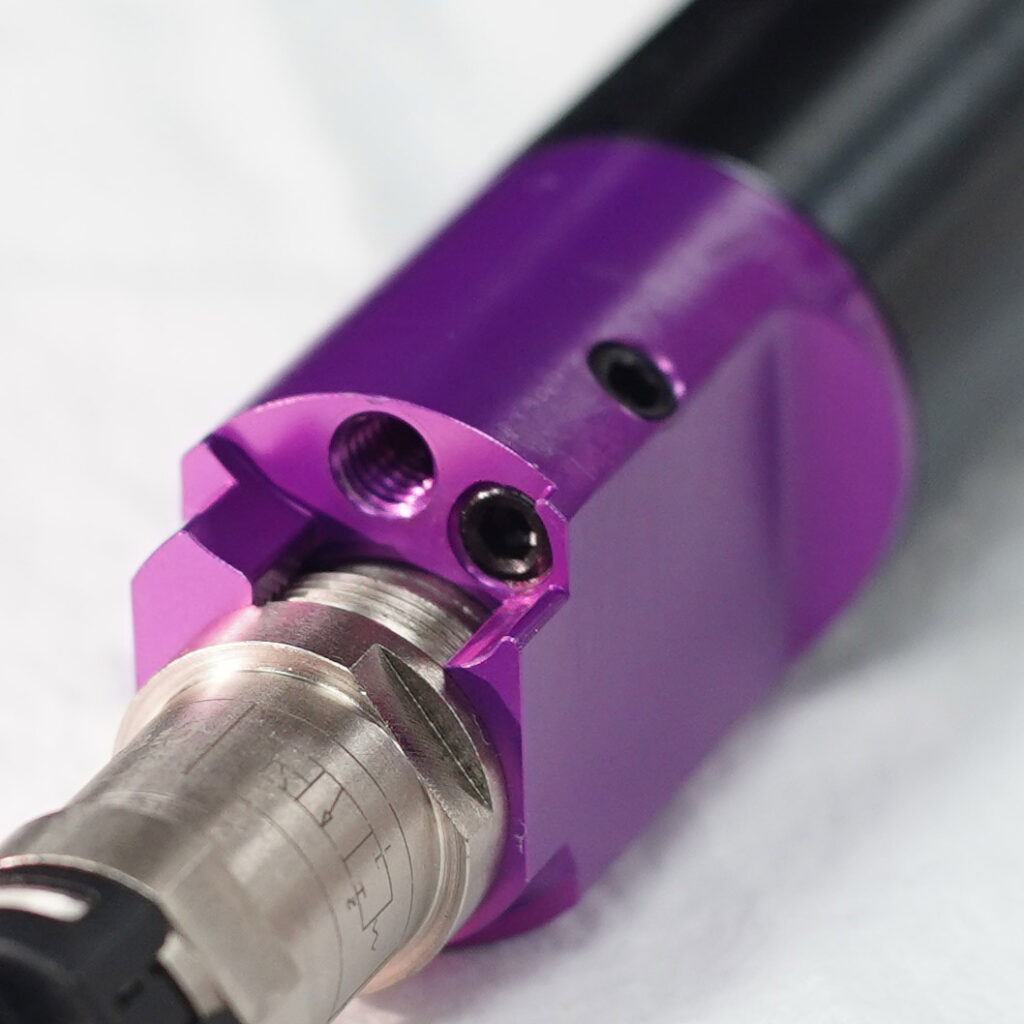
The cylinder plugs are part of the manufacturing process and are not adjustable or removable. Never attempt to remove or adjust the cylinder plugs. Doing so will cause leaking and engine malfunction. Already done it? Follow these steps…
See also: Solenoid Leaks