

Owner’s Manual for MTW AK
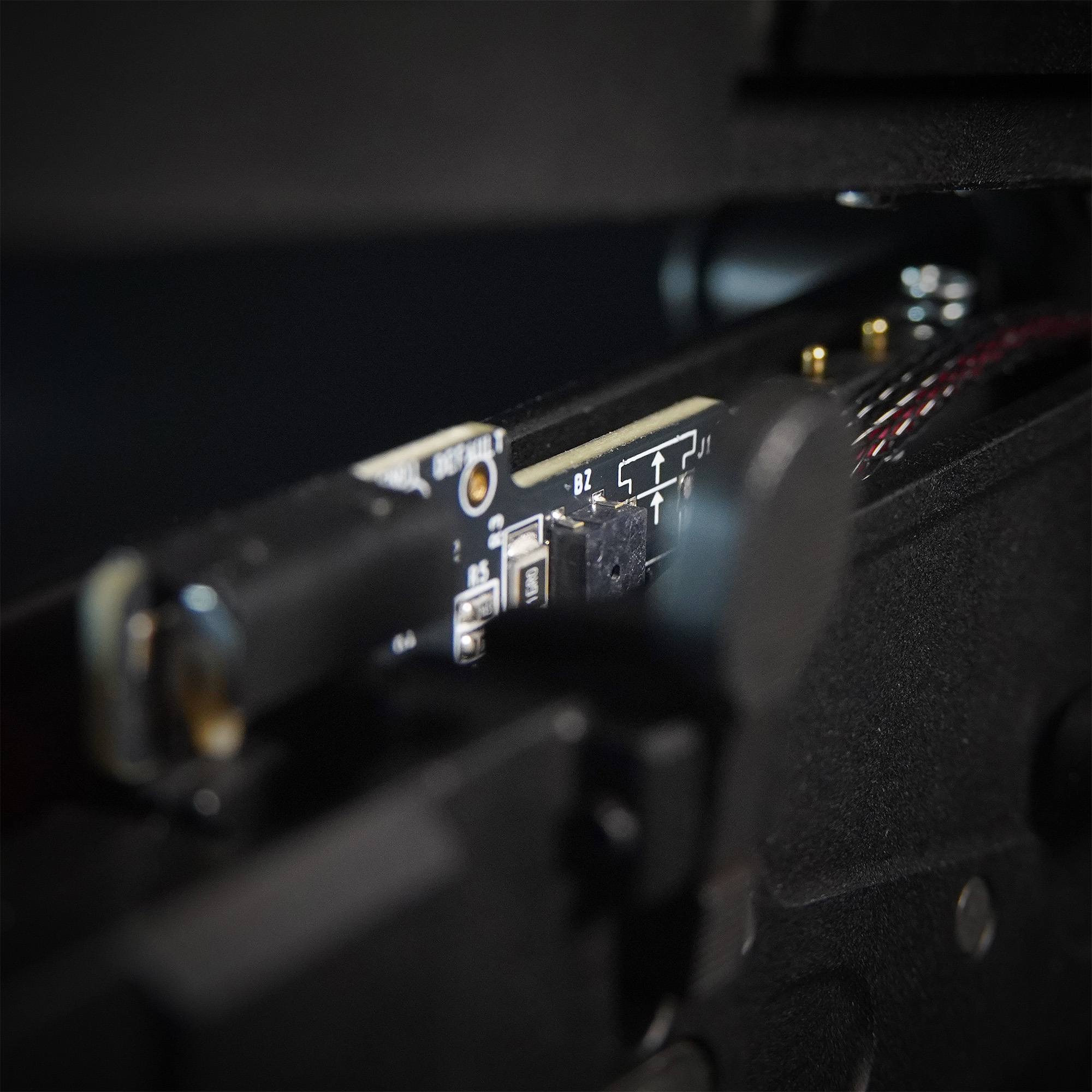
If the BLINC failed to pair or connect:
Ensure Bluetooth is enabled on your phone or tablet.
Ensure the BLINC is powered on and in Discovery Mode by disconnecting the battery and reconnecting it. You should hear one beep and the gun should be able to operate. It will remain in Discovery Mode for one minute. You can also restart Discover Mode by pressing the bolt catch (The board will not beep in this case).
Ensure the BLINC is not currently connected to another phone/app. If so, disconnect and/or remove the device on the other phone/app then try again.
If the BLINC App is prompting you to change the selector switch but fails to pair, ensure the selector switch is properly prepared for use with an optical selector switch and confirming the gun switches between Semi and Full Auto. NOTE: The BLINC uses the Select Fire Threshold setting in the Wolverine Airsoft BLINC App to determine the selector switch value, even when pairing. If this value has been set too high or too low, it may be necessary to factory reset the BLINC to restore the default value.
If pairing a board that is not installed in a gun, use your finger to cover the optical sensor to simulate changing the selector switch.
Ensure the MTW is not in Live Fire Tuning Mode See. (MTW fires when trigger is released) If so, disconnect the battery and reconnect it. Alternatively, allow the board to time out automatically after one minute of no activity.
If none of these steps work, it may be necessary to factory reset the BLINC.
| Errors | Cause |
|---|---|
| Platform Exception (bluetooth must be turn on) | Turn your phone or tablet’s Bluetooth on. |
| Connection Error: Timeout Exception or InternalHandshake | The app could not pair. See the Optical Selector Switch instructions above. |
| Connection Error: Timed out after 4s or Failed to connect to FlutterBluePlusException | fbp-code: 1 | The board could not be found. Make sure it is powered on and in discovery mode. In some cases rebooting your phone may be necessary. |
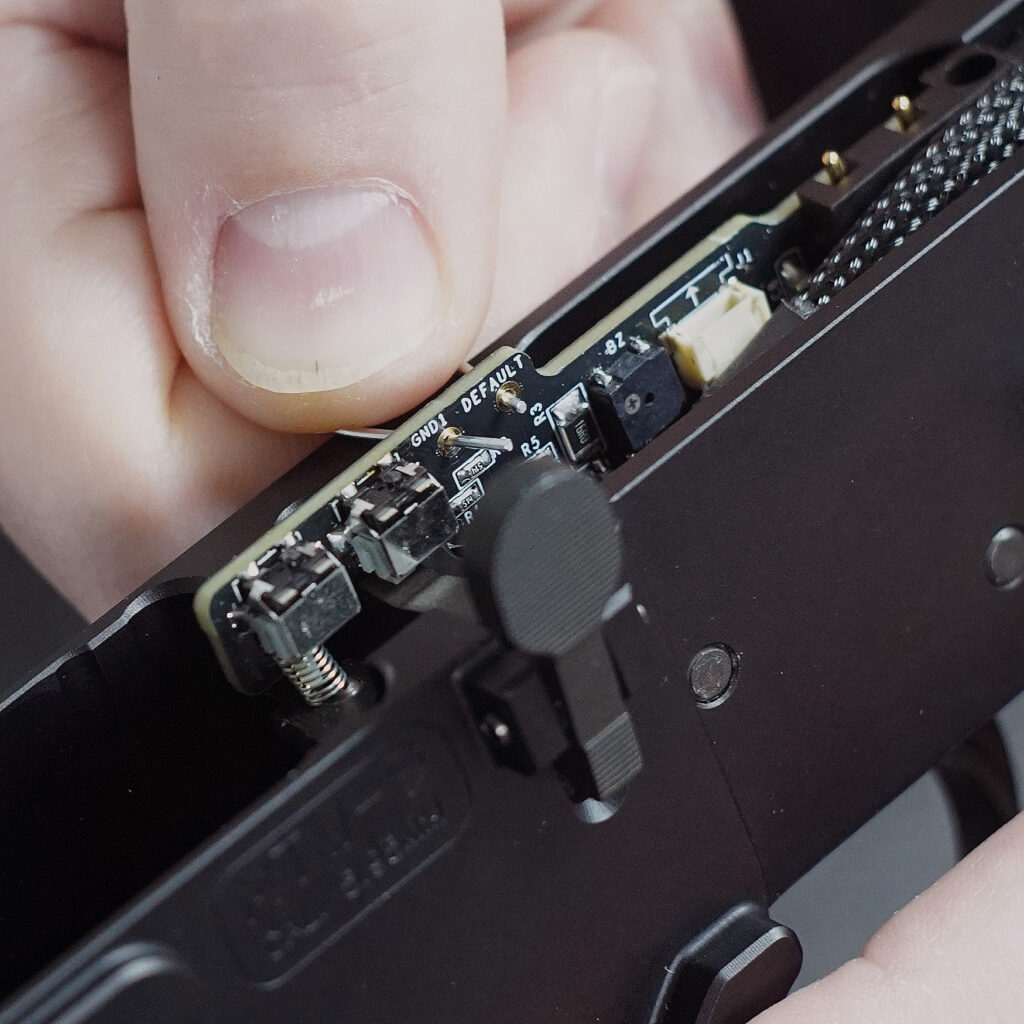
To factory reset the BLINC and restore default settings, disconnect the battery and open the receiver. Insert a small wire or paper clip into the GND1 and DEFAULT through-holes on the board. Connect the battery. The BLINC will beep 3 times to indicate it has been reset. Remove the wire or paper clip.
For more information, see the BLINC Bluetooth FCU Owner’s Manual
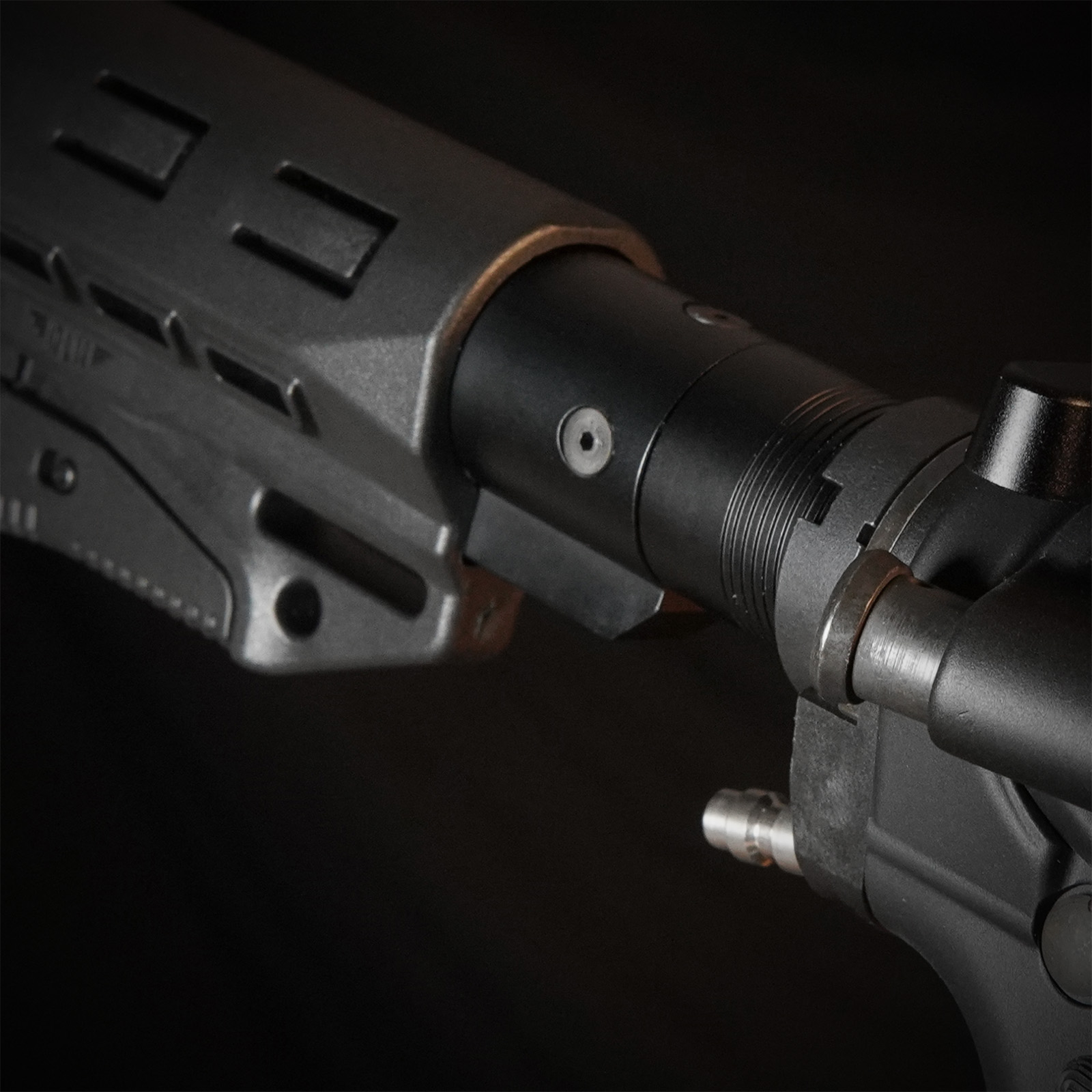
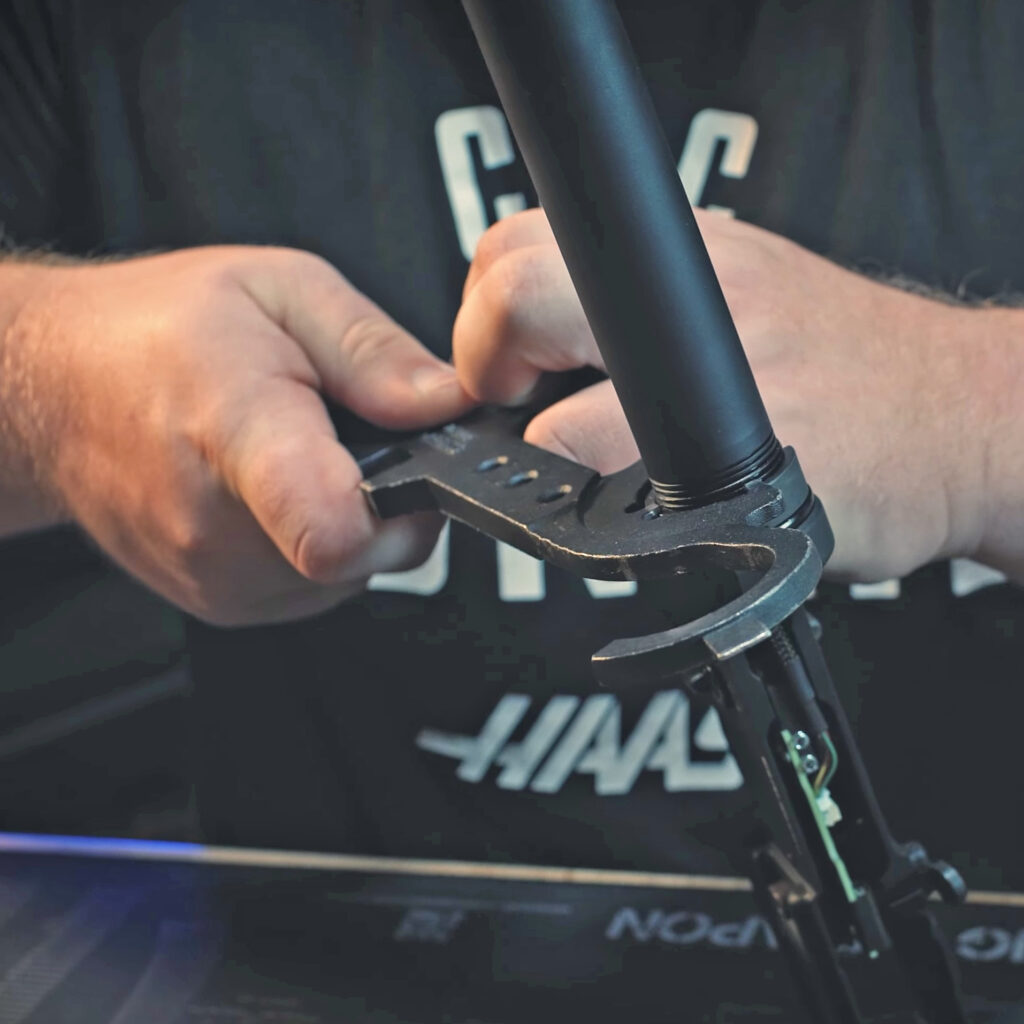
Like a real firearm, the MTW uses a real steel castle nut which can be removed with an armorer’s wrench by turning it counter-clockwise.
The buffer tube should then unscrew counter-clockwise from the lower receiver.
On MTWs with the FRAC installed like the MTW-308 and Gen-12 MTW Shotgun, a small amount of blue Loctite is applied to the buffer tube threads during manufacturing, requiring a little additional force to remove.
When reinstalling the buffer tube, make sure you don’t screw it past flush with the inside of the lower receiver.
PTS EPM1 Magazine Maintenance Tutorial by PTS
ASG Scorpion EVO Magazine Maintenance Tutorial by AirsoftCamMan.